
A desk can become frustrating surprisingly quickly when cables pile up, supplies have no fixed place, lighting is poor, or everyday devices compete for limited workspace.
The best office gadgets are not novelty items, they solve a specific problem you deal with repeatedly. This guide focuses on practical office gadgets for organization, charging, lighting, comfort, and everyday desk setup so you can choose only the upgrades that make sense for how you work.
You do not need to replace your whole workspace. Start with the problem that gets in your way most often, then choose one or two targeted fixes before adding anything else.
This post includes affiliate links. If you buy something through my links, I may earn a small commission, at no extra cost to you. It's one of the ways I keep Lulonta going, and I appreciate the support.

Start Here, If You Only Do One Thing
New to desk organization? Start with this.
If your desk feels chaotic no matter how often you tidy it, the problem usually isn't effort, it's a lack of structure. The single most useful first move is a compact desk organizer: it gives everyday items a defined spot and makes the whole setup feel calmer almost immediately.
Jump to the Desk Organizer pick below, then work through the rest based on what actually bothers you most.
Best Overall: The Organizer That Changes Everything Else
Compact Multi-Section Desk Organizer
If your desk resets to chaos within a day of being cleaned, the issue usually isn't tidiness, it's that your everyday essentials don't have a fixed home. A compact multi-section organizer gives pens, paper clips, sticky notes, and small tools a defined spot on your desktop, so things stay visible and within reach instead of drifting into piles.
Best for: anyone whose desk looks cluttered again within 24 hours of being cleaned.
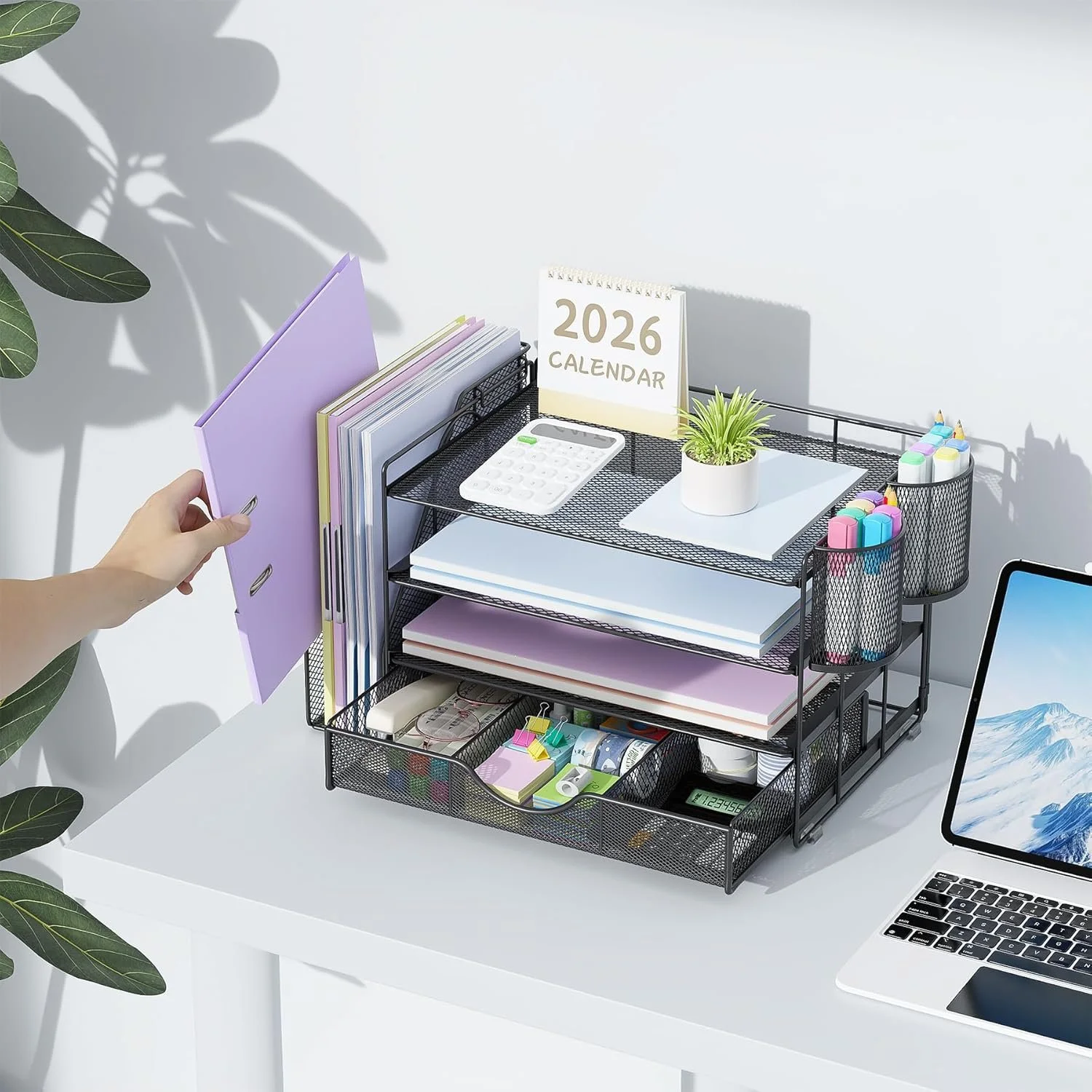
Cluttered desk hurting your productivity? This 4-tier desk organizer with file holder and drawer keeps everything in place, creating a clean and focused workspace.
If clutter is the main problem, these small desk organization ideas focus specifically on making limited desktop space easier to use.
Desk Organization Gadgets for Less Clutter
Small, low-effort fixes for the visual and physical clutter that builds up on any desk over a normal week.
The 30-Second Desk Reset
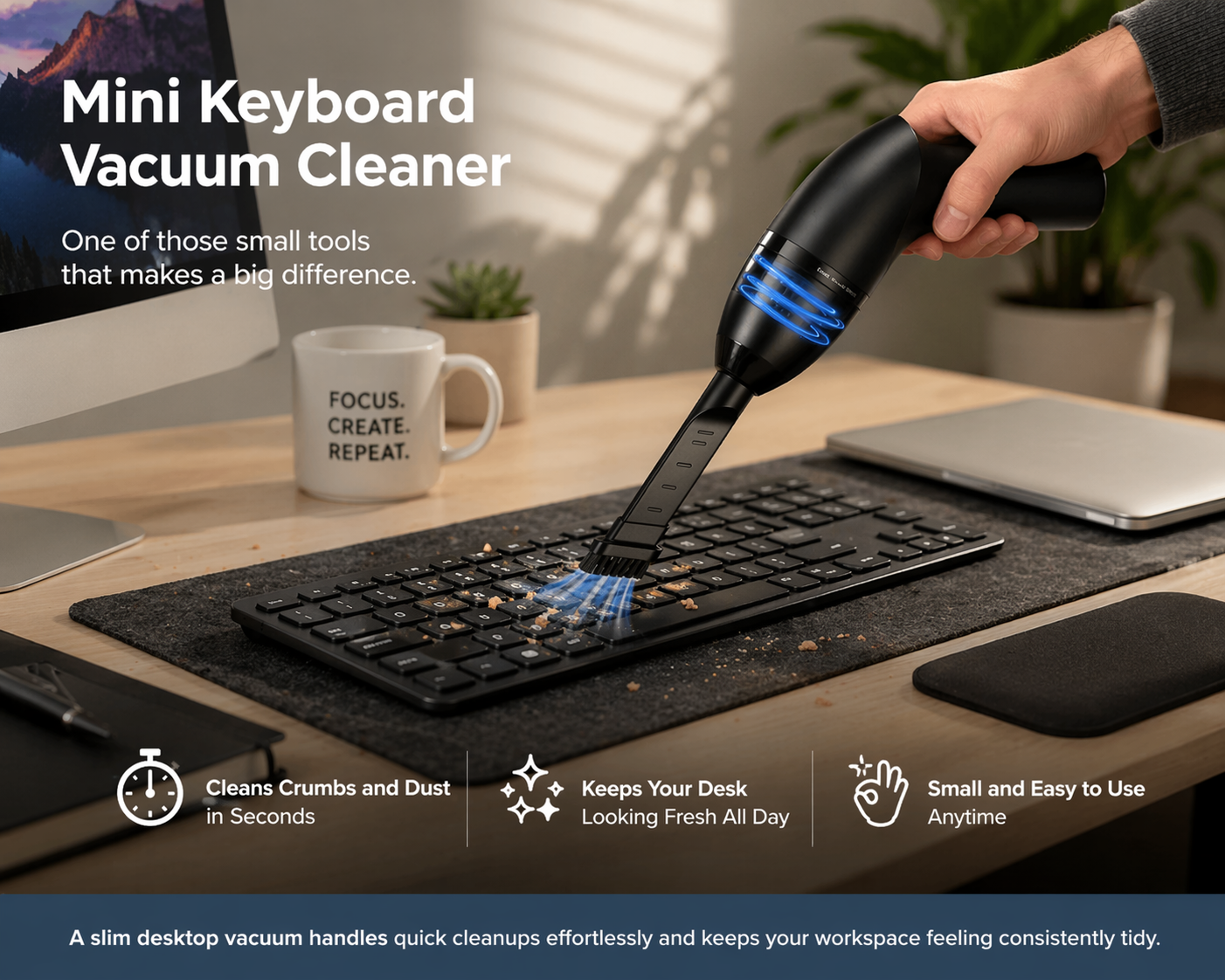
Mini Keyboard Vacuum Cleaner
Crumbs between the keys, dust on the screen, that fine layer of debris that makes a desk feel grimy even when it's technically "clean." A small USB vacuum handles this in under a minute, no wipes or compressed air needed.
Best for: anyone who eats at their desk or works in a dusty environment.
Click and check current price
Ending Cable Chaos
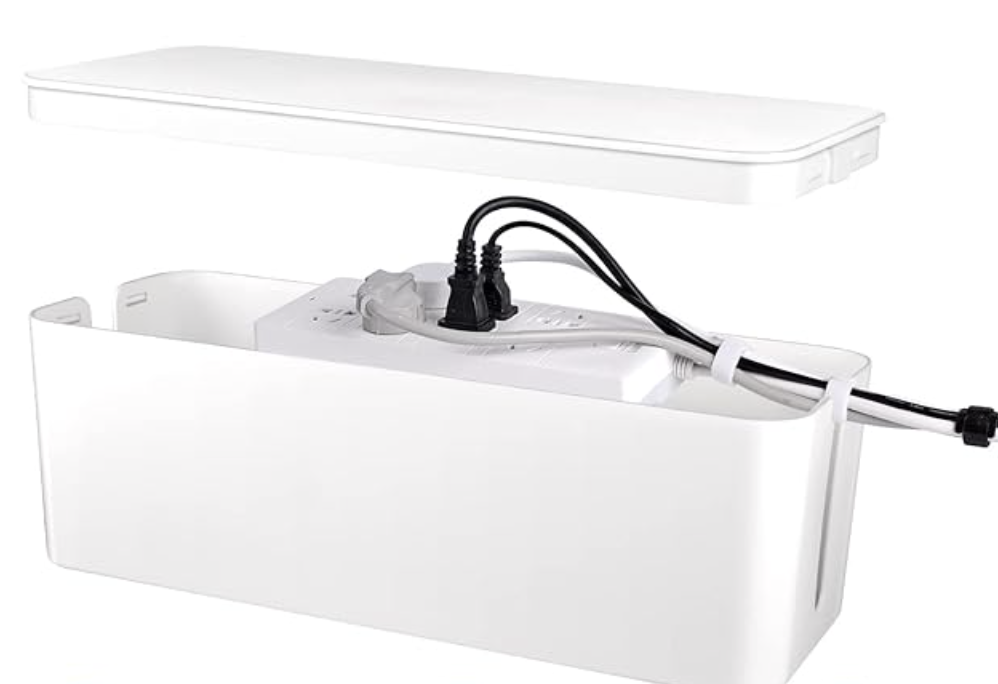
Cable Management Box and Under-Desk Tray
A tangle of cords and an exposed power strip is one of the fastest ways to make an otherwise tidy desk look messy. A cable box hides the tangle, and an under-desk tray keeps cords off the visible surface entirely.
If you're working with a multi-outlet power strip, check its total wattage against what you're actually plugging in, especially if you're running a monitor, laptop charger, and a desk lamp off the same strip, so you're not overloading it.
Best for: multi-device setups or anyone whose cords have taken over the desk surface.


For a more complete storage setup, these small office storage ideas show how to use the unused space around a compact desk.
Getting Sticky Notes Off the Desk and Into View
Acrylic Monitor Memo Board
Sticky notes scattered across a desk add visual noise. Clipped to the edge of a monitor, they're actually useful, visible without cluttering the work surface itself. This acrylic board attaches directly to most monitor edges.
Best for: visual thinkers, planners, or anyone who relies on sticky notes for daily reminders.
Struggling to stay focused at your desk? This acrylic monitor memo board keeps tasks visible and within reach, helping you stay organized and boost productivity.
Solving the Scattered Pen Problem
360-Degree Rotating Pen and Marker Holder
Pens on one side, markers on the other, scissors buried under a stack of paper. A rotating organizer keeps everything in one spot and accessible with a quarter-turn instead of a search.
Best for: creatives, teachers, or anyone who reaches for multiple writing tools throughout the day.
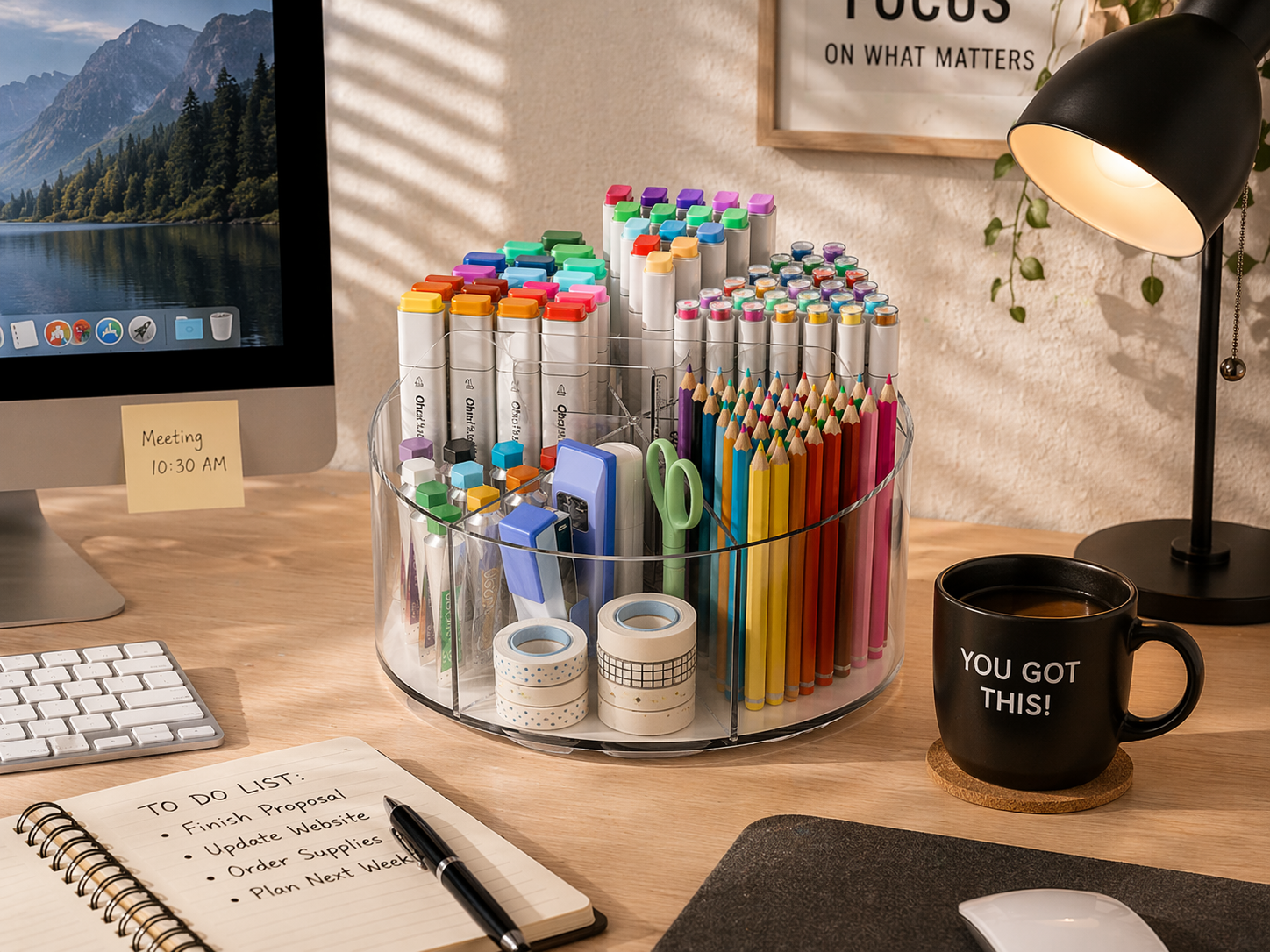
Cluttered desk slowing you down? This rotating acrylic pen holder keeps all your supplies organized and within reach, helping you stay focused and work more efficiently.
Tackling the Paper Pile
4-Tier Desk Organizer With File Holder and Drawers
For desks that disappear under bills, reports, and folders by midweek, a vertical file organizer moves paperwork off the horizontal surface and into sorted, visible sections. Built-in drawers give smaller supplies a place to live too.
Before buying a vertical organizer, measure the depth of your desk surface, since taller multi-tier units can eat into usable workspace on smaller desks.
Best for: paperwork-heavy roles, students, or anyone whose desk surface disappears under documents by Wednesday.
Cluttered desk hurting your productivity? This 4-tier desk organizer with file holder and drawer keeps documents and supplies organized for a clean, focused workspace.
Giving Small Items a Dedicated Home
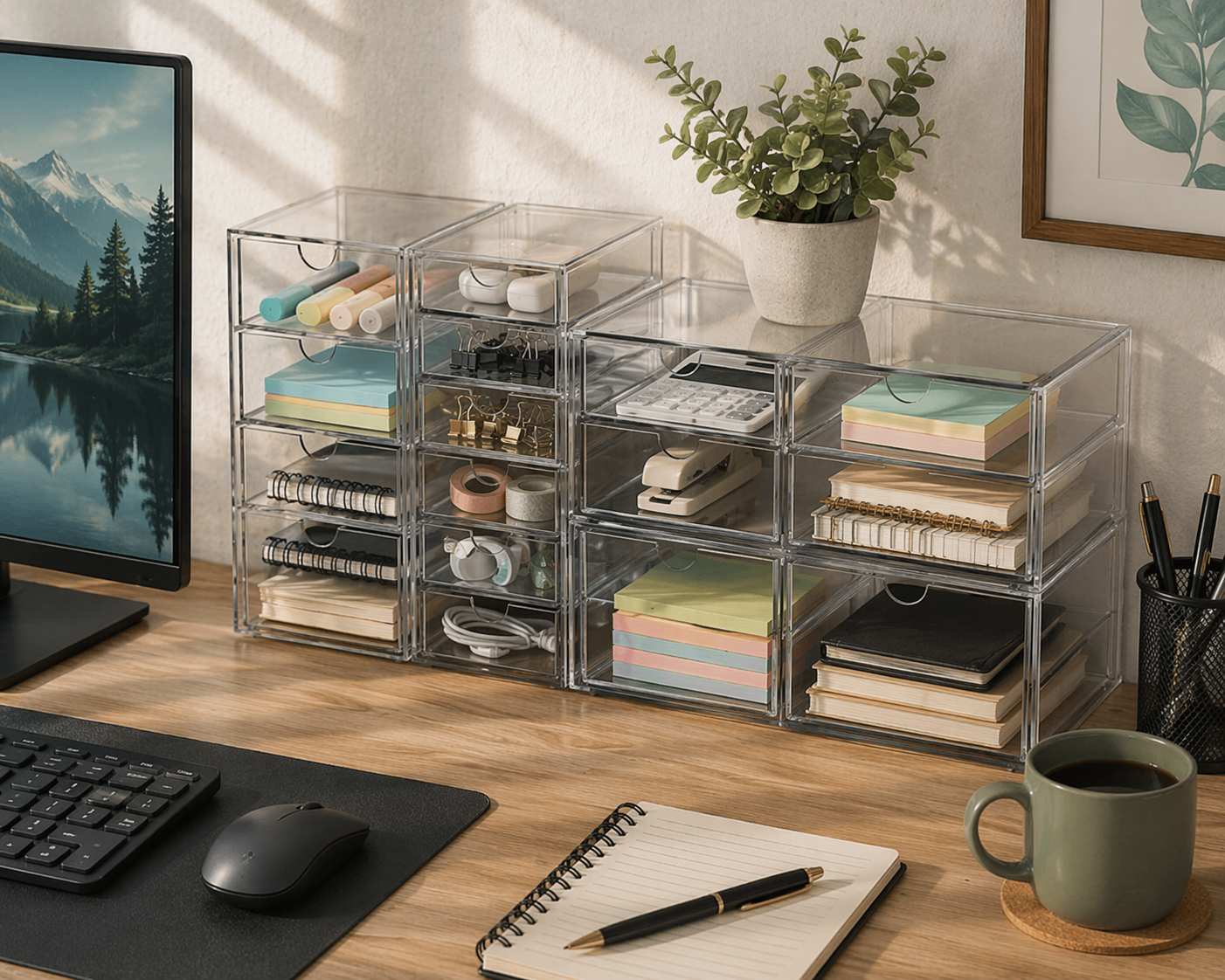
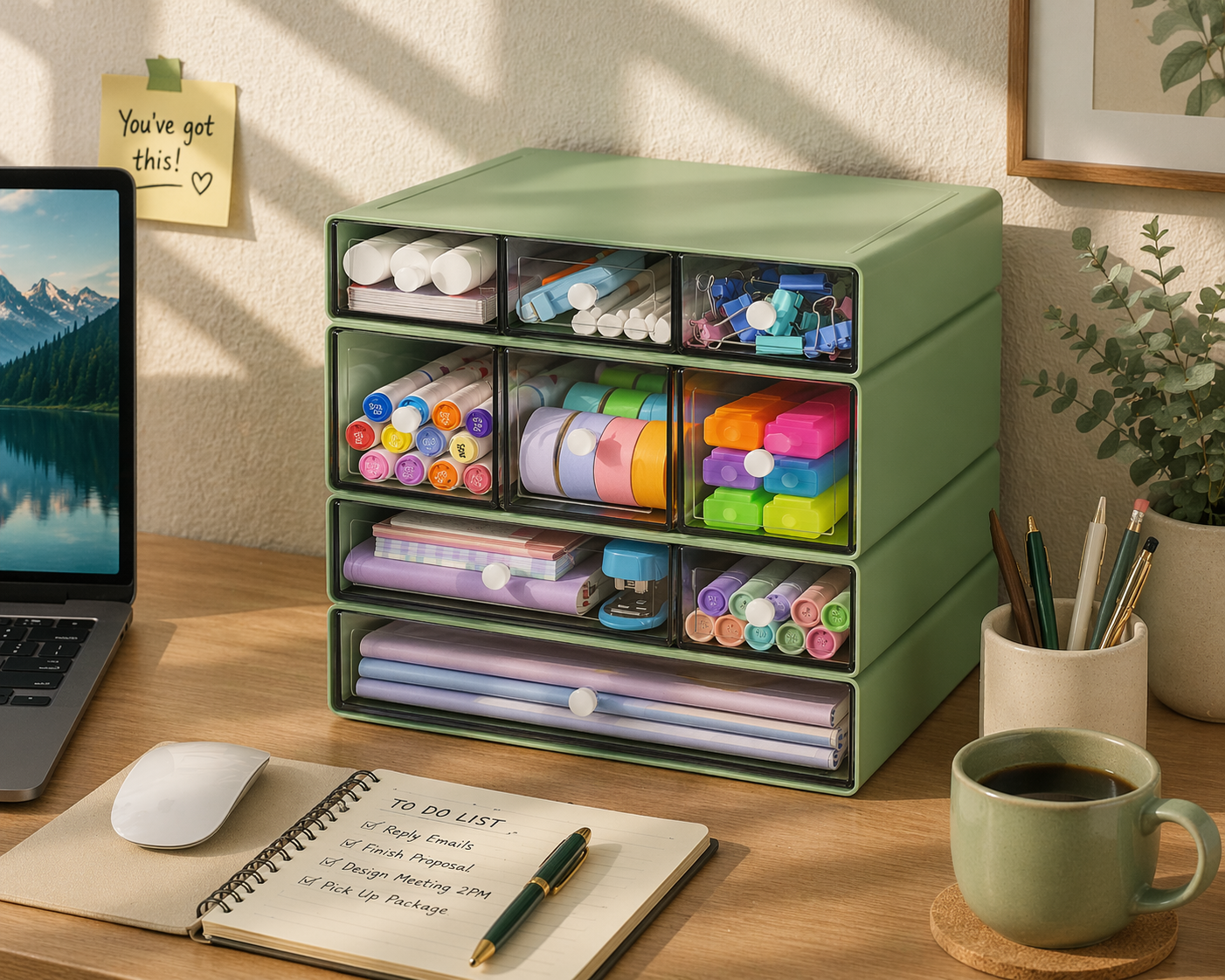
Stackable Drawer Organizer
Paper clips, USB drives, spare batteries, small items are often the quiet contributors to a cluttered drawer. A clear stackable organizer separates everything into visible sections so you're not digging through a junk drawer to find one thing.
Best for: detail-oriented workers, home offices, or anyone who regularly misplaces small supplies.
Office Gadgets for a More Comfortable Desk Setup
None of the items below are a substitute for good ergonomic setup overall or for addressing persistent pain with a doctor or physical therapist, but small adjustments can make a real difference in day-to-day comfort.
Getting Your Screen to Eye Level
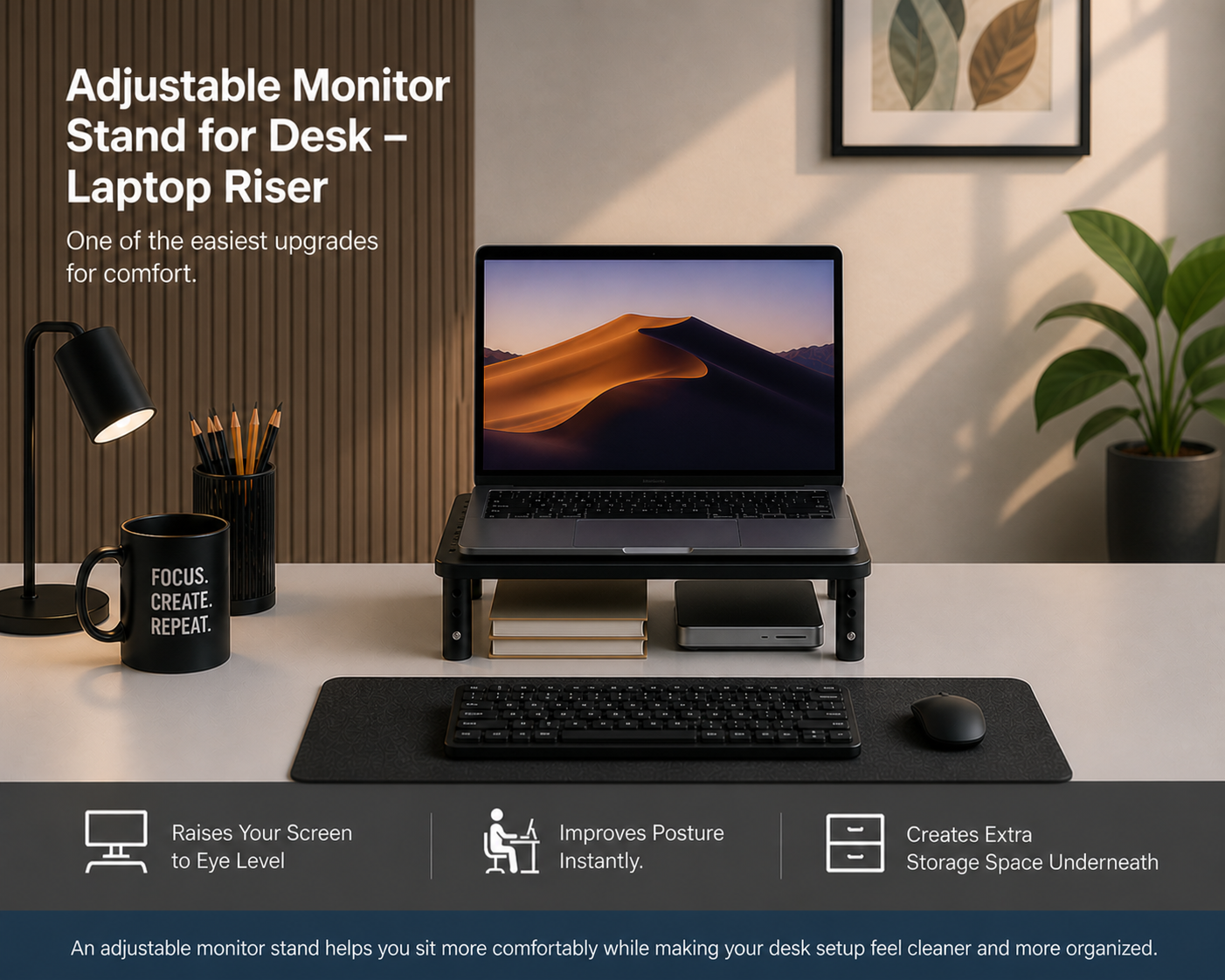
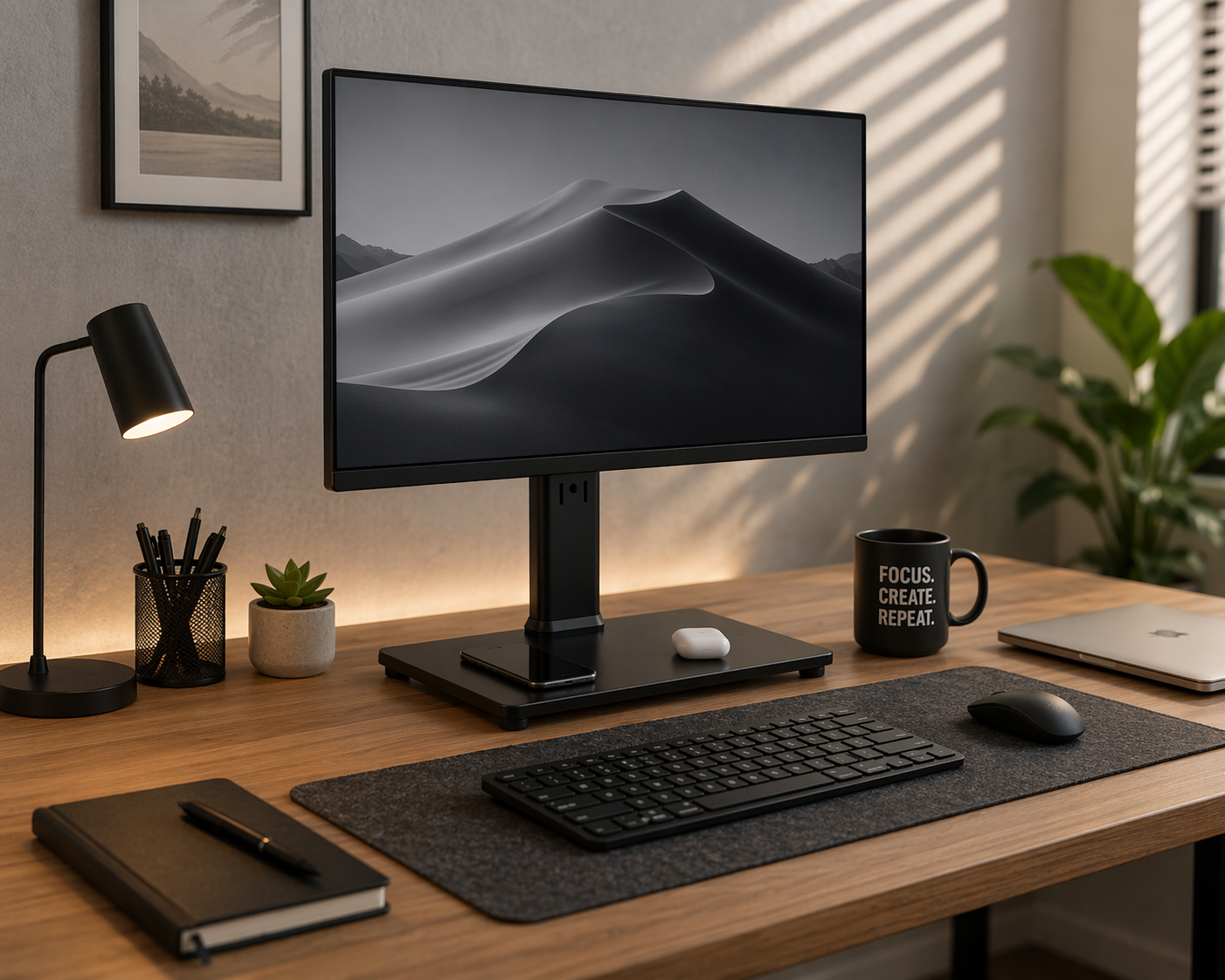
Adjustable Monitor Stand
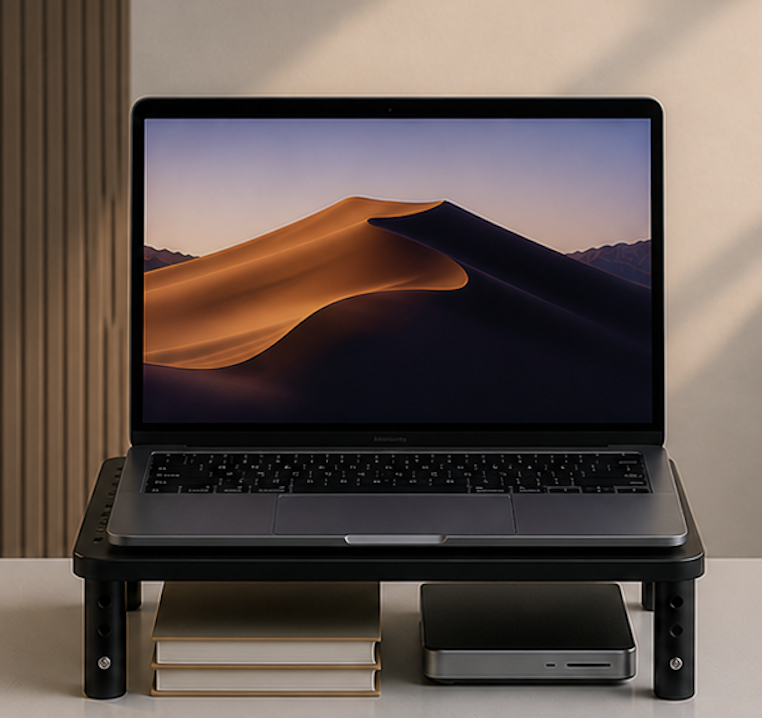
An adjustable monitor stand can make it easier to position your screen at a more comfortable viewing height while also creating useful storage underneath for a keyboard, notebooks, or small desk items.
Before buying, check the stand's height range against your specific monitor and desk combination, since the ideal eye-level height varies by both your monitor size and your chair height.
Best for: anyone who spends several hours a day at a computer and notices neck or shoulder tension by the afternoon.


Supporting Your Wrists Through a Long Workday
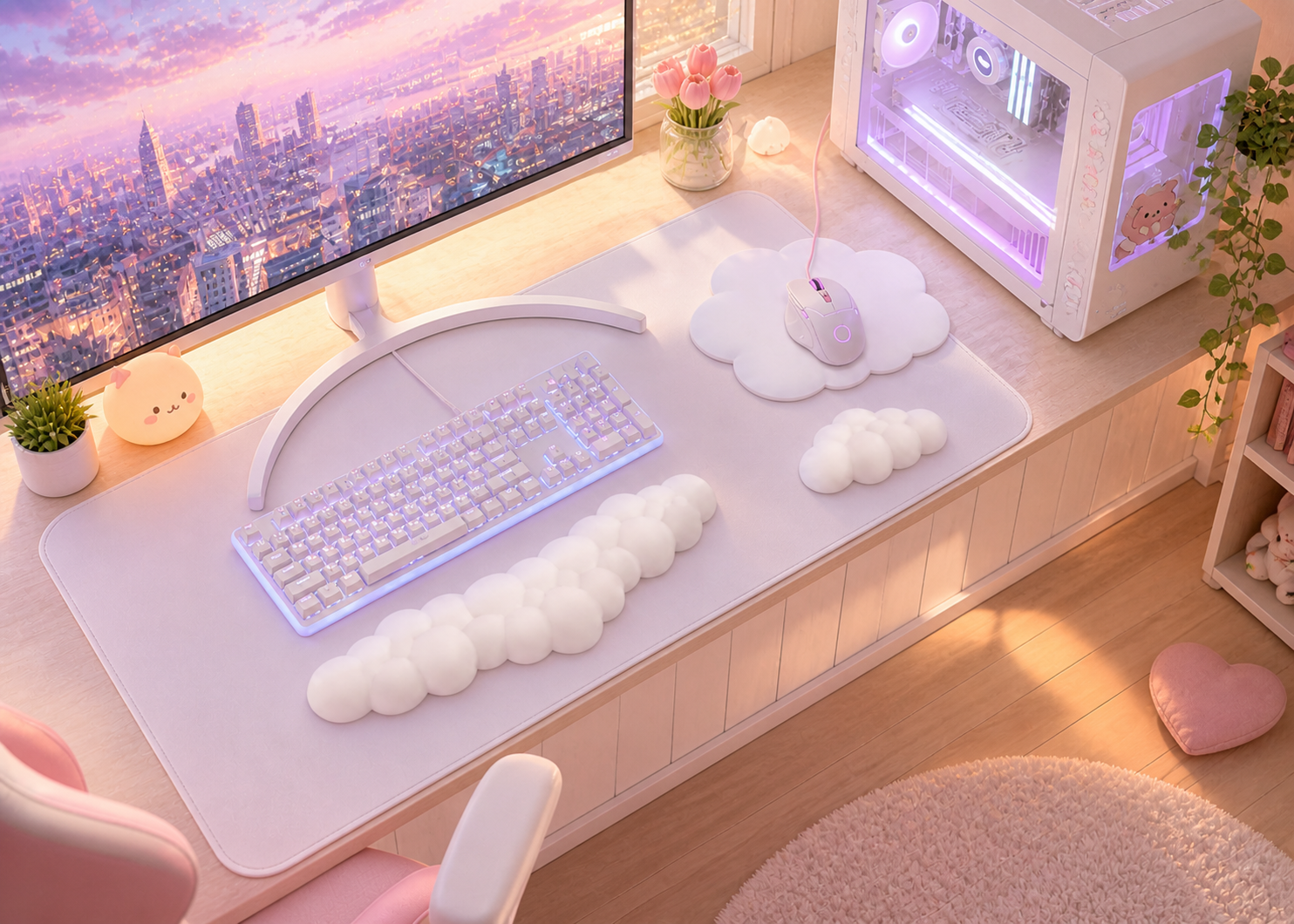
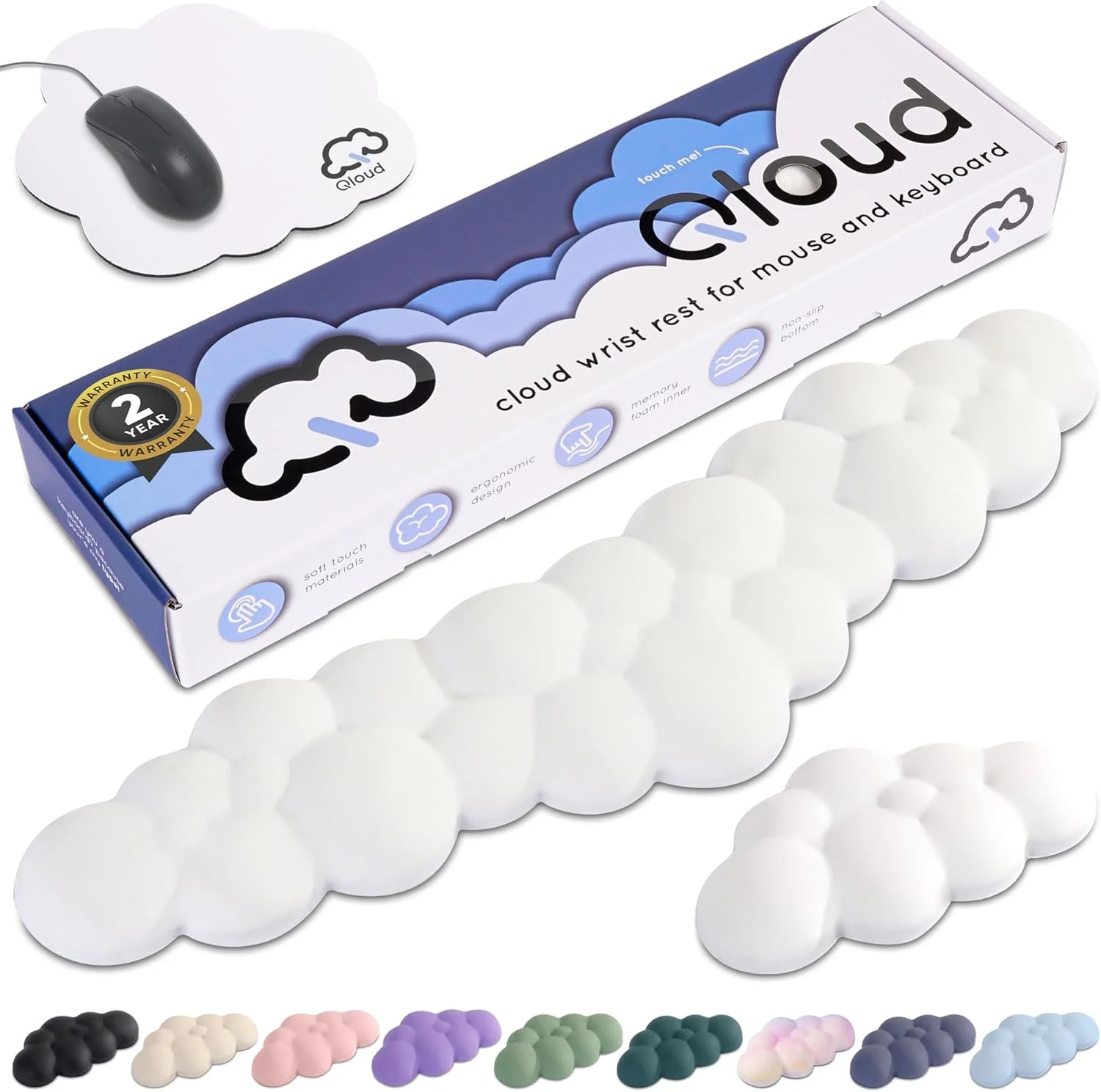
Cloud Memory Foam Wrist Rest
Wrist strain tends to build gradually, comfortable in the morning, noticeably tired by late afternoon. A memory foam wrist rest gives your wrists a cushioned surface while typing and may make a long desk session feel more comfortable.
Best for: anyone who types for more than a couple of hours at a stretch.
Making Your Current Chair More Comfortable
Ergonomic Seat Cushion
A new ergonomic chair isn't in everyone's budget, but a seat cushion can meaningfully improve the chair you already have.This style adds cushioning to an existing chair and may make long periods of sitting feel more comfortable without replacing the furniture.
Best for: anyone working long hours in a chair that wasn't designed with ergonomics in mind, including dining chairs pulled in as desk chairs.


Making Laptop Use More Comfortable
Ventilated Adjustable Laptop Stand
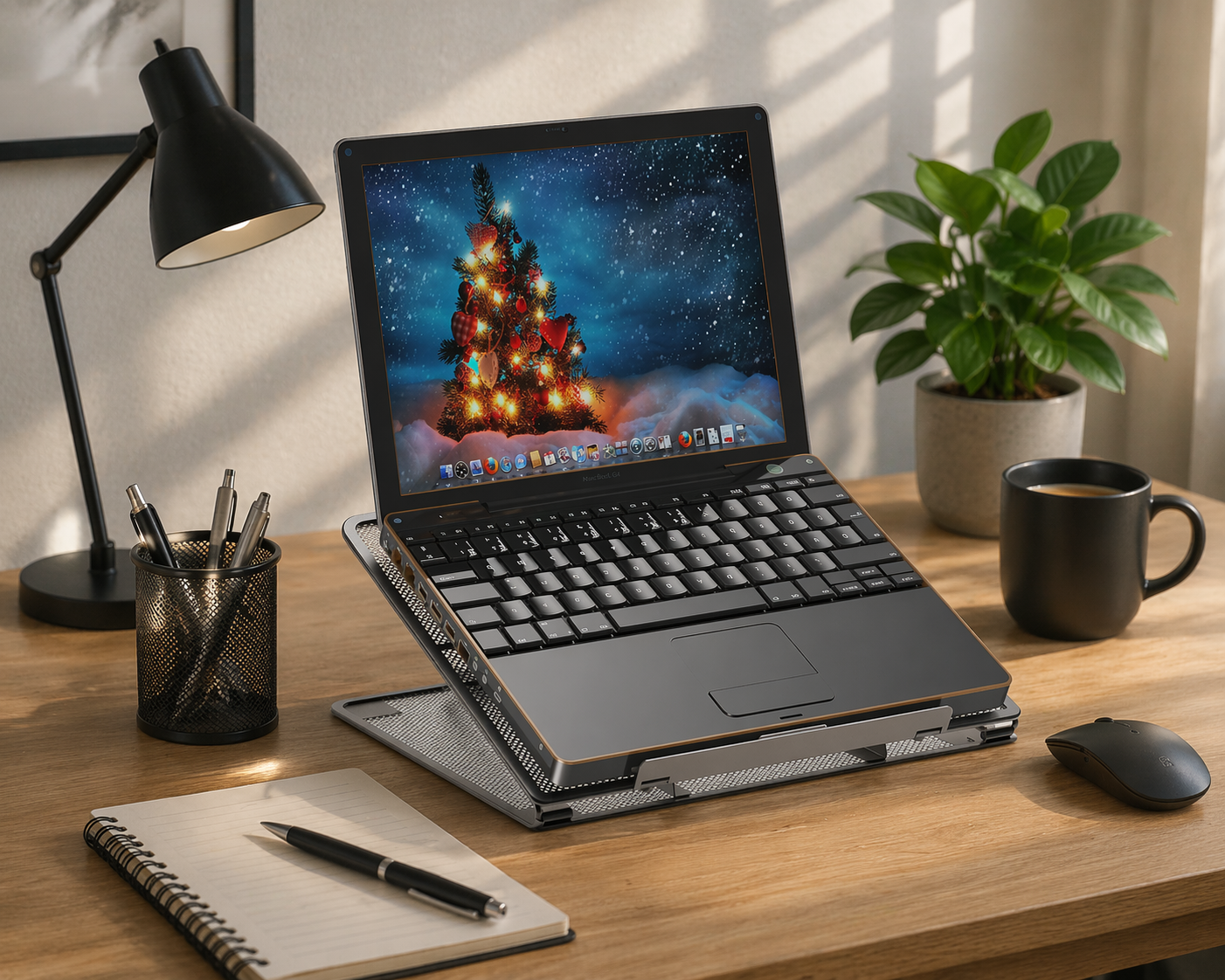
A laptop stand raises the screen to a more comfortable viewing position while freeing up a little space underneath. Ventilated designs can also allow more airflow around the device. If you work this way for long periods, pairing the stand with a separate keyboard and mouse can make the setup easier to adjust.
Best for: anyone using a laptop as their primary work machine for most of the day.
Boost your desk productivity with this adjustable laptop stand that keeps your screen at eye level, improves focus, and creates a more efficient workspace setup.
Charging and Lighting Gadgets for Your Desk
Lighting and charging are easy to overlook, but both affect how a workspace actually feels to sit in for eight hours.
Getting Lighting Right
Dimmable LED Desk Lamp With Clamp
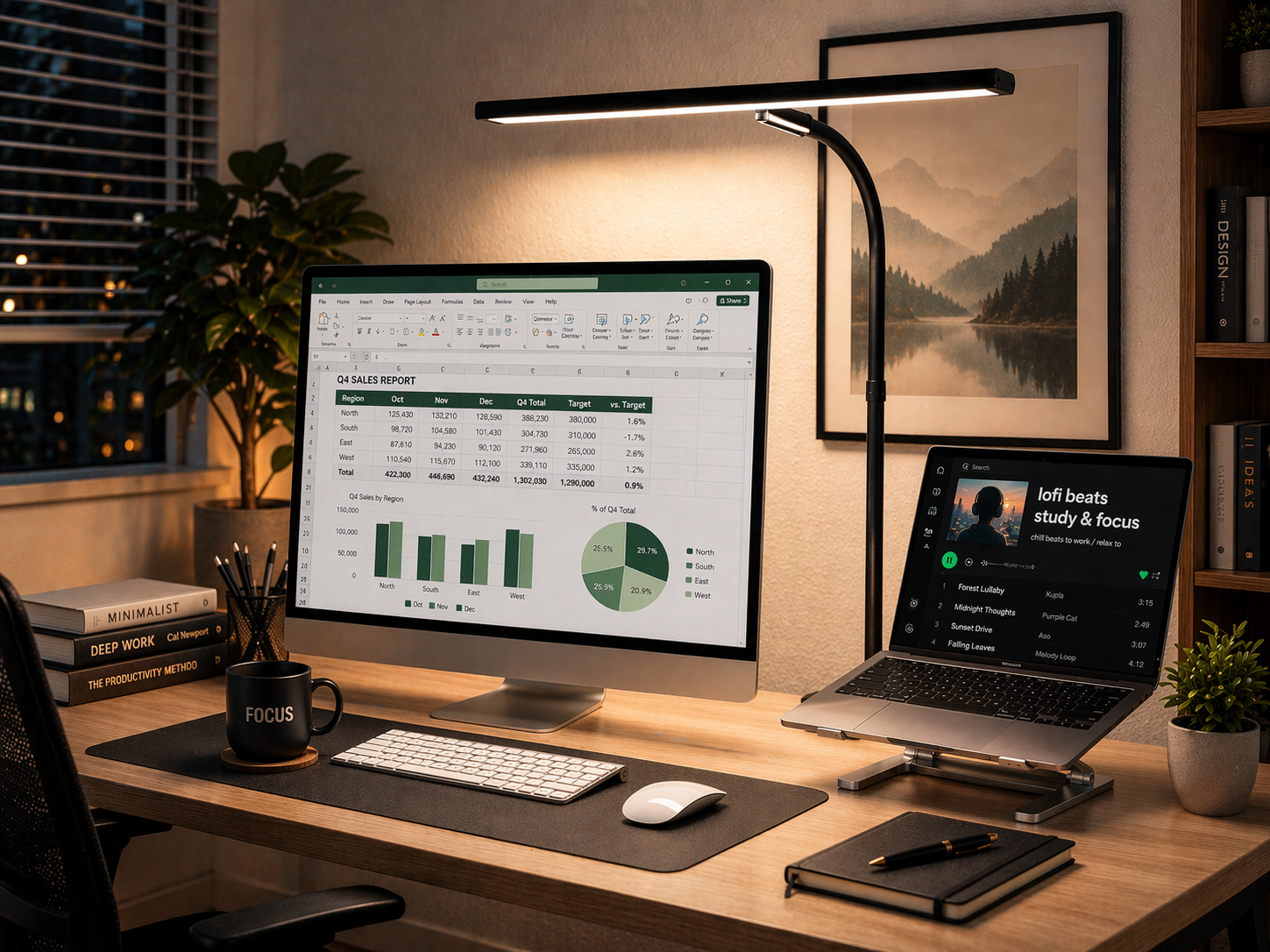
An adjustable desk lamp lets you direct light toward your work area and change the brightness as your room lighting changes throughout the day.
Best for: dim rooms, evening work sessions, or anyone who gets headaches from screen glare.
Poor lighting hurting your productivity? This LED desk lamp provides bright, adjustable lighting that reduces eye strain and helps you stay focused and work more efficiently.
Consolidating Your Charging Setup
3-in-1 Charging Station With USB-C Hub
Multiple devices charging on separate cables scattered around a desk is a common, fixable source of clutter. A compact charging station consolidates them into one spot. Before buying, check the station's output and cable types against your specific devices, since not every station supports every phone, watch, or earbud case, and avoid leaving any charging setup running unattended overnight on a desk near paper or fabric.
Best for: anyone juggling more than two devices that need regular charging at their desk.


If you want more problem-solving upgrades beyond these gadgets, these office must-haves cover cables, comfort, storage, and other everyday workday frustrations.
Keeping Your Phone Visible Without It Taking Over
Foldable Adjustable Phone Stand
A phone buried under papers is easy to forget about until a notification's been sitting for an hour. A simple folding stand props it at eye level, useful for video calls or keeping notifications visible without needing to pick it up constantly.
Best for: anyone on frequent video calls or who uses their phone as a secondary screen.
Boost your desk productivity with this adjustable phone stand set. Keep your phone visible and hands-free, reducing distractions and helping you stay focused while working.
Useful Desk Gadgets and Finishing Touches
The smaller details that make a desk setup feel put-together rather than just functional.
Defining and Protecting Your Workspace
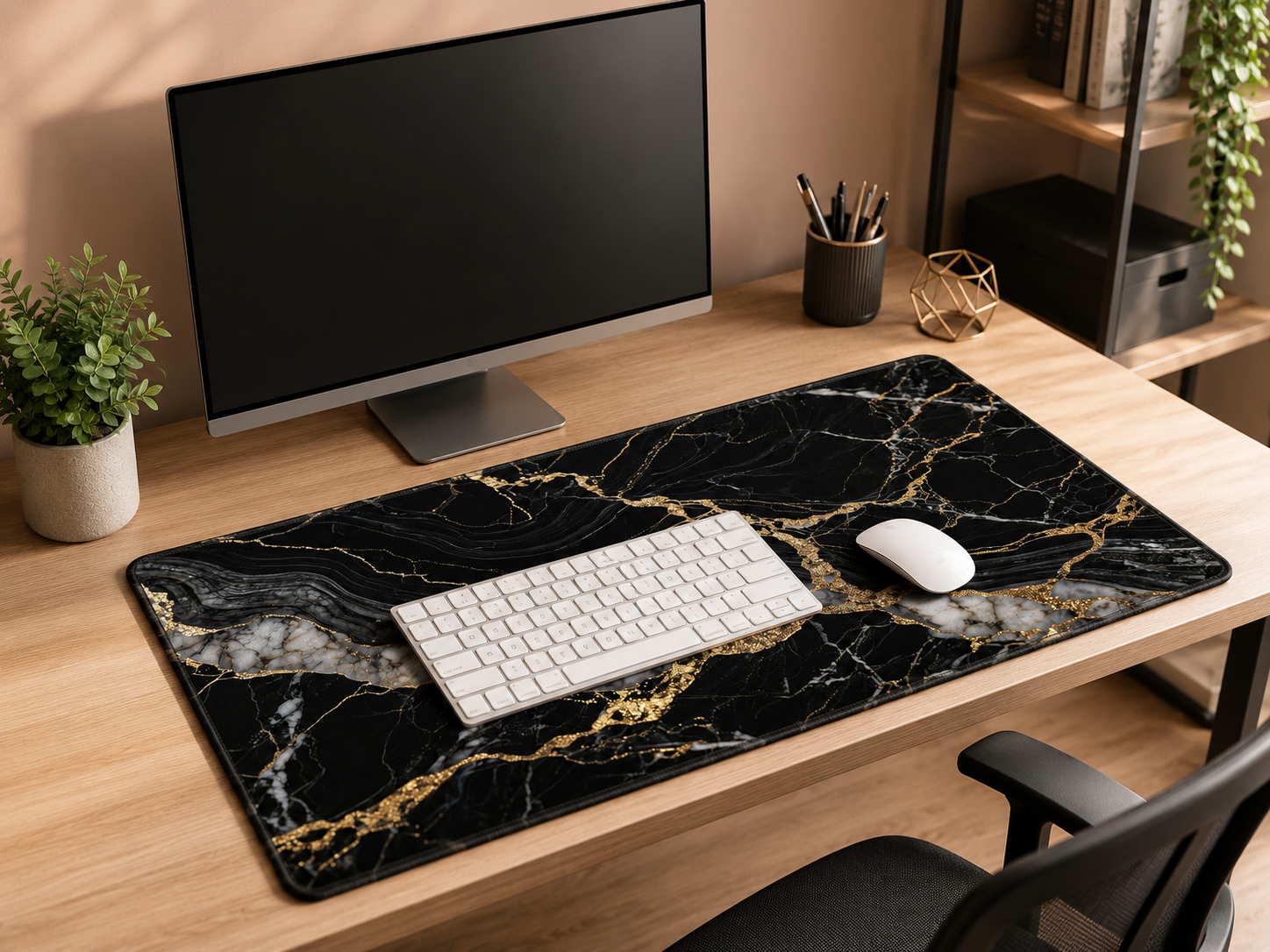
XXL Extended Desk Mat
A desk mat does something an organizer can't: it visually defines the whole workspace. An extended mat covers the keyboard and mouse area, protects the surface from scratches and minor spills, and can make even a basic desk setup look more intentional.
Measure your desk surface before ordering an extended mat, since "XXL" sizing varies by brand and an oversized mat can end up overhanging the edge of a smaller desk.
Best for: anyone who wants their setup to look more finished without buying new furniture.
Upgrade your desk productivity with this large mouse pad that keeps your workspace clean, organized, and distraction-free while providing a smooth surface for efficient work.
Protecting Against Everyday Spills
Weight Plate Coasters With Rack
A small, low-cost fix for a common annoyance: water rings and coffee spills on important papers or wood surfaces. This set is styled like gym bumper plates and stacks on a small rack when not in use.
Best for: anyone who's set a wet cup down on the wrong thing more than once.

Keep your desk clean and distraction-free with these non-slip barbell coasters. They protect surfaces from spills while helping maintain an organized, productive workspace.
Getting Headphones Off the Desk
360-Degree Rotating Under-Desk Headphone Hanger
Headphones left on the desk surface take up more room than expected and end up in the way. A clamp-on hanger stores them underneath the desk instead, with a swivel that keeps them easy to grab when needed.
Best for: gamers, remote workers, or anyone who wears headphones daily.
Keep your desk clutter-free with this clamp-on headphone stand. It stores your headset neatly under your desk, improving organization and helping you stay focused and productive.
A Small Detail That Pulls a Desk Together
Minimalist Bamboo Digital Alarm Clock
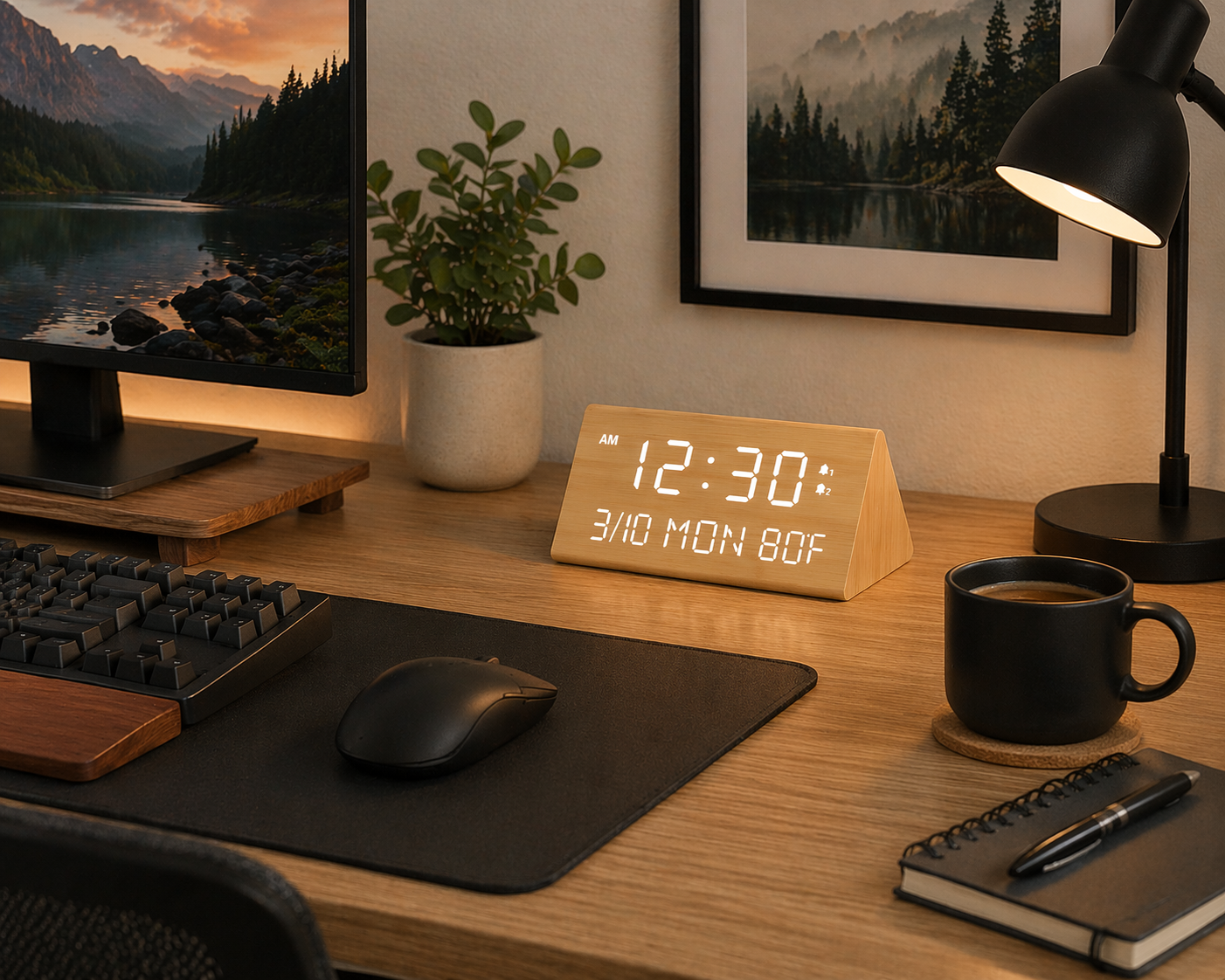
A well-designed desk clock is a small thing, but it adds a finished feel to a workspace. This bamboo version displays time, temperature, and date, with an adjustable dimmer for different lighting conditions.
Best for: anyone who wants their desk to feel designed rather than just assembled.
Stay on schedule and boost your productivity with this digital desk clock. Adjustable brightness, dual alarms, and USB charging help create a focused and efficient workspace.
Build Your Perfect Desk — Starter Bundles
Not sure where to begin? Use these bundles as examples of products that solve similar workspace problems. You probably do not need every item in a bundle, so choose only the pieces that fit your desk, habits, and budget.
For a broader workspace setup beyond gadgets, these office must-haves cover organization, charging, comfort, storage, and everyday work essentials.
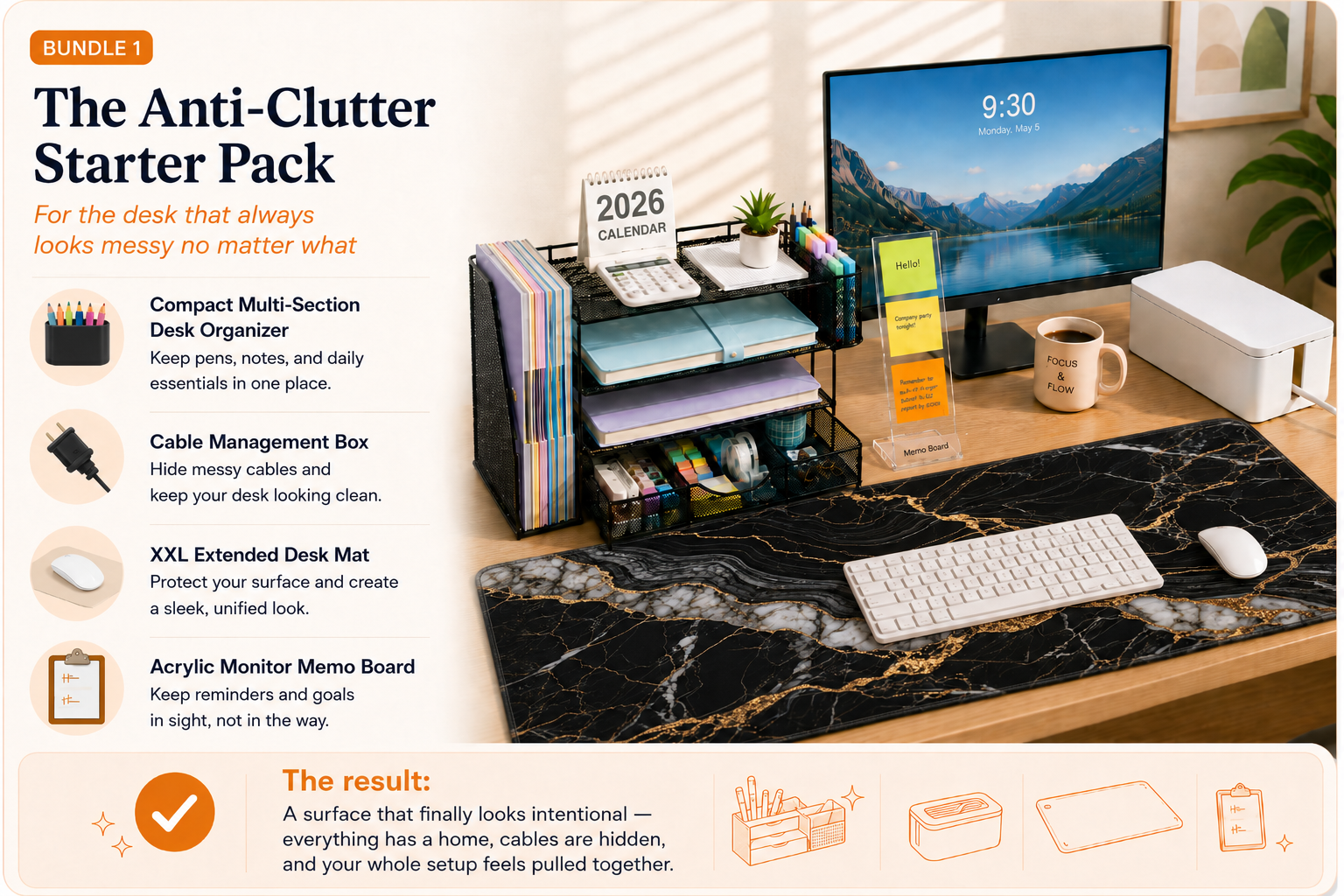



Order all 4 and feel the difference by Monday →

Pick up all 4 and build the desk that actually supports your focus →


Choose the Office Gadgets That Solve Your Actual Problems
If you enjoy practical products that solve everyday annoyances beyond the office, these gadgets that make life easier include useful ideas for home, organization, bathroom, and daily routines.
You don't need to buy everything on this list at once. Pick the two or three frustrations that bother you most, whether that's neck tension, cable chaos, or supplies that never have a home, and start there. Small, targeted changes tend to add up faster than a full desk overhaul would, and what's worth prioritizing depends more on your specific setup and habits than on any single "must-have" item.
